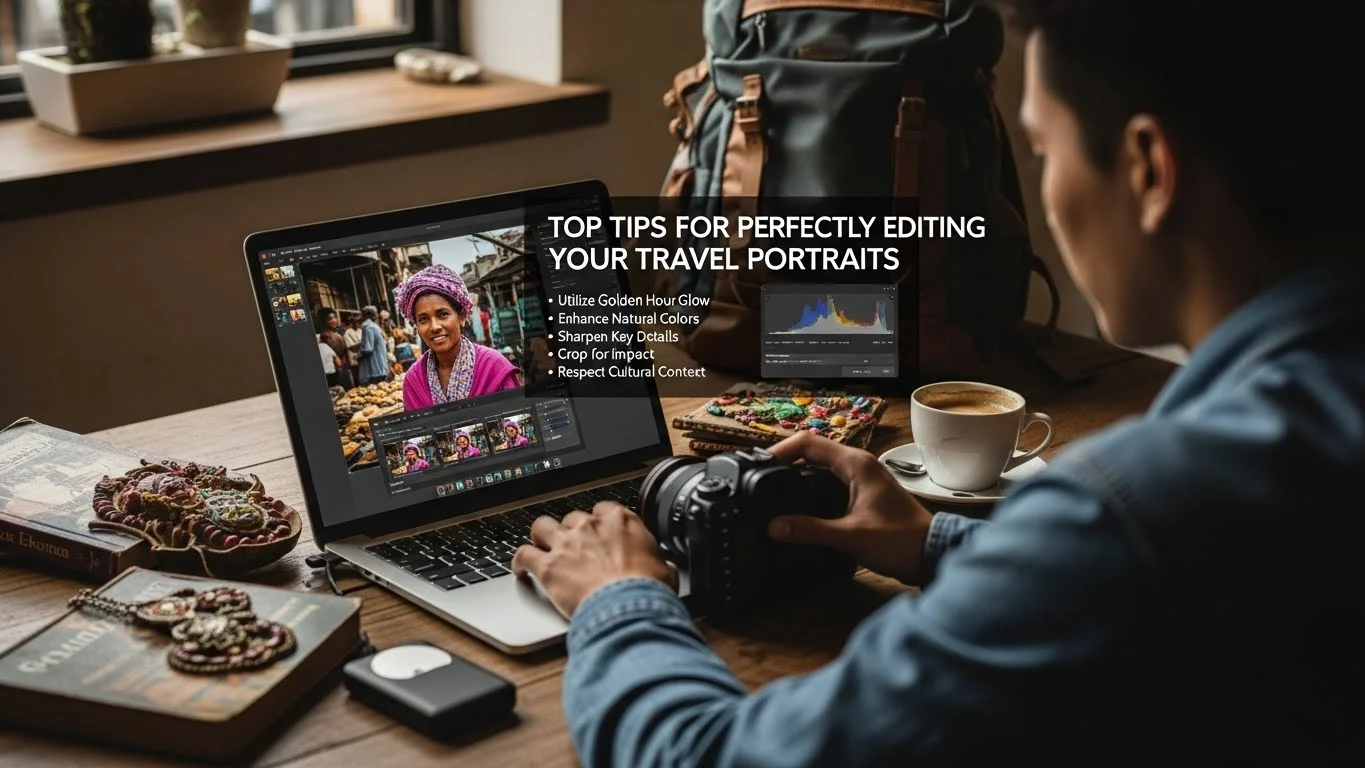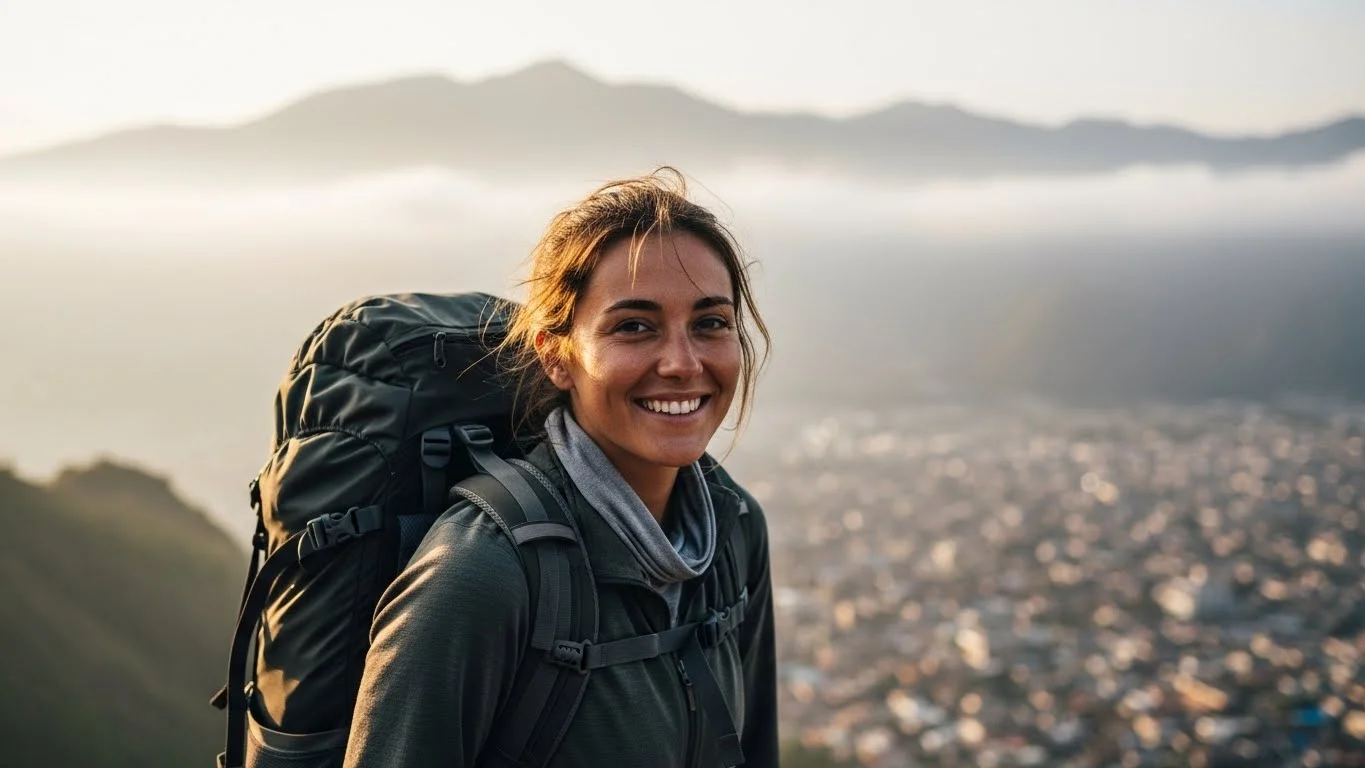
Capturing stunning travel portraits is only half the journey; the real magic often happens in editing. With a few simple tweaks, I’ve transformed my travel photos from ordinary to extraordinary, and I can’t wait to share these editing tricks with you! Read Interesting article: Top Tips for Perfectly Editing Your Travel Portraits
Understanding Travel Portrait Photography
The Importance of Portrait Photography in Travel
When I travel, I love capturing the essence of the places I visit, and portraits play a huge role in that. Travel portrait photography is not just about snapping a quick picture of people; it tells a story. It encapsulates the culture, emotions, and experiences I encounter. I remember one trip to a small village in Italy, where I took a portrait of an elderly woman weaving baskets. That photo didn’t just capture her image; it conveyed her dedication and the rich tradition she represented. For me, that’s the power of portrait photography in travel.
Different Types of Travel Portraits
Travel portraits come in various styles, each offering a unique perspective. I’ve experimented with several types over the years, and here’s what I’ve found:
- Candid Portraits: These are unposed moments, often capturing genuine expressions. I love these because they feel authentic. Once, I captured a candid shot of a child playing on the beach, and it instantly brought back memories of carefree childhood days.
- Posed Portraits: While they may seem less spontaneous, posed portraits allow for creativity in composition and lighting. During a trip to Japan, I set up a portrait of my friend in front of a cherry blossom tree, perfectly framing the beauty of the blossoms.
- Cultural Portraits: These portraits celebrate the people and their traditions. I remember photographing a musician in New Orleans, where the vibrant colors of his attire told the story of the culture.
- Environmental Portraits: These combine the subject with their surroundings, giving context. I took a portrait of a fisherman on a dock, with the ocean and boats in the background, which perfectly showcased his lifestyle.
Essential Photography Gear for Travel Portraits
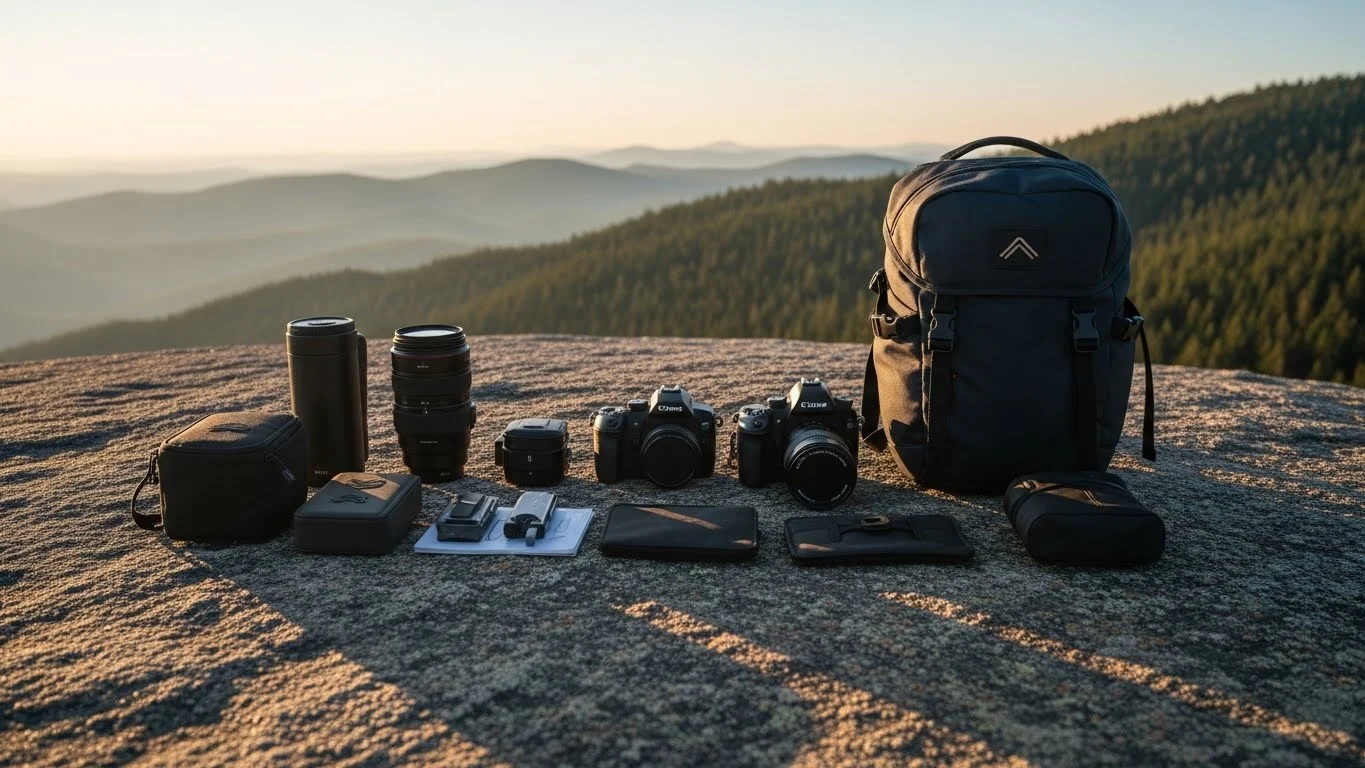
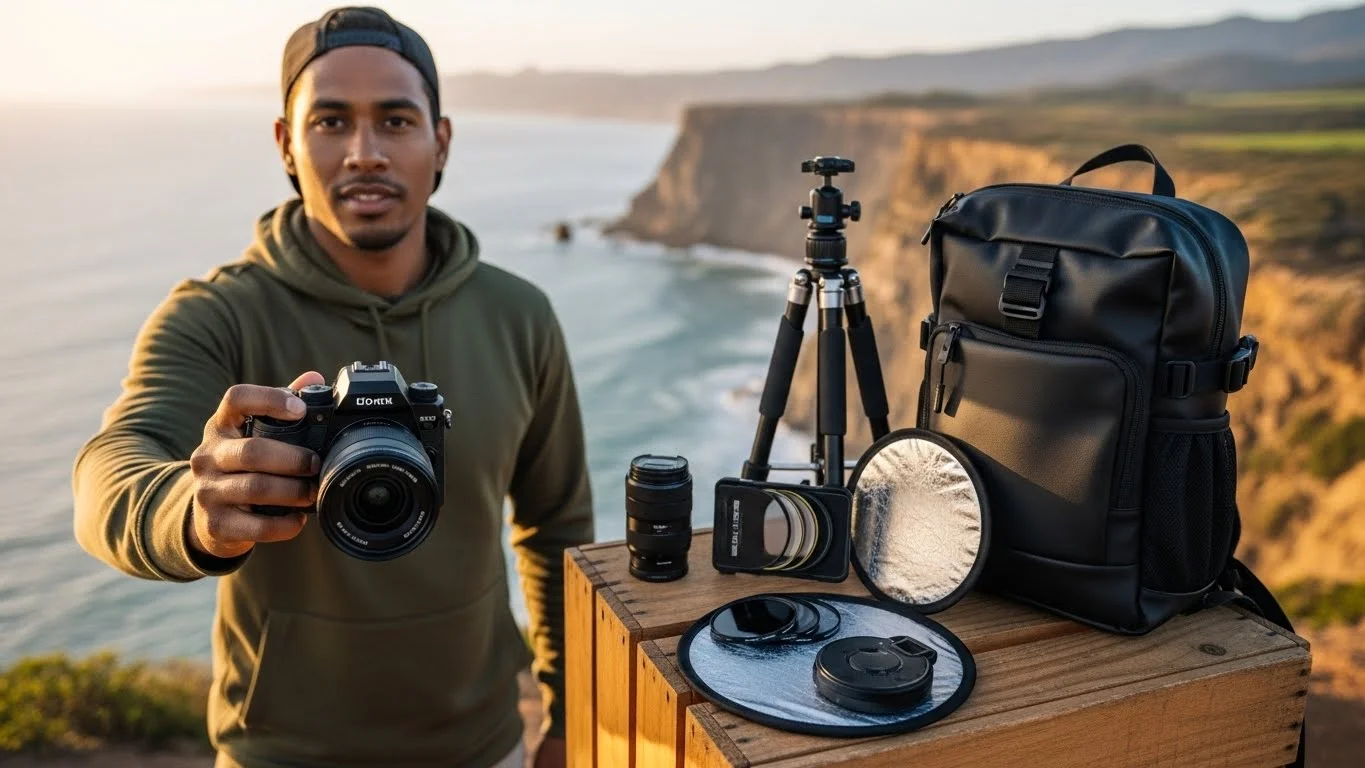
Having the right gear can make a huge difference in capturing great portraits. I’ve learned the hard way to invest in quality equipment. Here’s what I recommend:
- Camera: A DSLR or a mirrorless camera is ideal for portrait photography. I shoot with a mirrorless camera because it’s lightweight and versatile, perfect for travel.
- Lenses: A good portrait lens, like a 50mm or an 85mm, can do wonders. These lenses create beautiful bokeh, making the subject stand out. When I switched to a 50mm lens, the depth in my portraits improved significantly.
- Tripod: It’s not always necessary, especially if you’re moving around a lot, but having a lightweight tripod can help in low-light situations.
- External Flash: I sometimes use an external flash to add light in darker environments, which can really enhance the mood of a portrait.
- Reflectors: These are helpful for bouncing light onto your subject, especially in harsh sunlight. I’ve used reflectors to soften shadows on my subjects’ faces, and the results were worth the extra effort.
Basic Editing Tools for Travel Portraits
Overview of Editing Software Options
Once I capture those unforgettable travel portraits, the next step is editing. There are countless software options available, but I’ve narrowed it down to a few that I find invaluable. Adobe Lightroom is my go-to for its user-friendly interface and powerful features. I also appreciate Photoshop for more detailed edits. For quick fixes, I often turn to mobile apps like Snapseed or VSCO, which allow me to edit on the go. Read Interesting article: Master Editing Travel Portraits for Stunning Memories
Mobile Apps for Quick Edits
When I’m traveling, I often don’t have the luxury of a laptop. That’s where mobile apps come to the rescue. Snapseed is one of my favorites because it offers a range of tools, from basic adjustments to more advanced features like selective editing. I remember sitting in a café in Paris, editing a portrait of a street artist using Snapseed, and it was so satisfying to see the transformation right on my phone.
Desktop Software for Detailed Editing
For more intricate editing, I turn to desktop software. Adobe Lightroom, with its extensive cataloging system, is perfect for organizing my travel photos. I can make bulk edits and fine-tune each portrait. Plus, the ability to create presets means I can maintain a consistent look across my travel portfolio. When I finally edit my portraits in Lightroom, it feels like piecing together a puzzle, and I love seeing the final image come to life.
Simple Editing Tricks to Enhance Your Travel Portraits
Adjusting Exposure and Contrast
One of the first things I always do when editing my travel portraits is adjust the exposure and contrast. I’ve found that even a slight adjustment can bring life back into an otherwise dull photo. For instance, while editing a portrait I took in a bustling market in Marrakech, I noticed that the natural light had washed out some of the colors. By slightly increasing the exposure and contrast, the vibrant colors of the spices and fabrics really popped, making the portrait more engaging. I recommend experimenting with the sliders until you find the right balance; it’s all about enhancing what’s already there without going overboard.
Color Correction Techniques
Color correction is another essential step in my editing process. I can’t tell you how many times I’ve had to correct colors that didn’t quite match what I saw in person. Sometimes, awkward lighting can create strange color casts. For example, while photographing a sunset portrait in Santorini, the warm golden hues didn’t translate well in the picture. I used the color balance tool to shift the colors slightly towards warmer tones, which helped to bring back that stunning sunset effect. I love how a little tweaking can make the portrait feel more true to life, evoking the same emotions I felt at that moment.
Using Filters and Presets
Filters and presets are like magic wands for my photos. I often create my own presets in Lightroom, tailored to the moods and colors of different locations I’ve visited. For instance, I made a preset inspired by the deep blues and vibrant greens I saw while hiking in the Swiss Alps. Applying that preset to my portraits from the trip helps maintain a consistent feel across my portfolio. While I love using presets, I also remind myself to tweak them a bit for each photo, ensuring I keep the unique aspects of every subject intact. This way, we can still capture the atmosphere of the location while enhancing the overall look of the portrait.
Cropping and Framing Your Portraits
Cropping can dramatically change the focus of a portrait. I often find myself experimenting with different crop ratios after editing the image. For example, I captured a portrait of a dancer performing in front of a colorful mural in Rio de Janeiro. Initially, I included too much background, which distracted from the dancer’s movements. By cropping the image tighter, I was able to emphasize her expressions and the vivid colors of her costume against the mural, creating a more impactful portrait. I think it’s crucial to consider what elements you want to highlight in your image, and cropping can help direct the viewer’s attention accordingly.
Enhancing Details with Sharpness and Clarity
After I’ve made the basic adjustments, I focus on enhancing the details in my portraits. Increasing sharpness and clarity can make a significant difference, especially in the subject’s eyes and facial features. I remember editing a portrait of a street vendor in Bangkok, and after sharpening the image a bit, her joyful expression and the intricate details of her handmade goods really stood out. However, I always approach sharpening with caution; too much can lead to an unnatural look. I’ve learned that subtlety is key—just enough to enhance the details while preserving a natural feeling is what I aim for.
Removing Unwanted Elements from Backgrounds
Sometimes, despite our best efforts, distracting elements find their way into our portraits. I’ve had my share of unwanted tourists or power lines sneaking into the background of my shots. Luckily, photo editing software provides tools to remove these distractions. I vividly recall editing a portrait I took at a busy festival in India; there were a few random bystanders in the background that took away from the main subject. Using the clone stamp and healing tools in Photoshop, I was able to clean up the image, keeping the focus on the vibrant colors and expressions that truly mattered. Removing these elements helped elevate the portrait, allowing the viewer to connect more with the subject.
Advanced Editing Techniques for Stunning Travel Portraits
Skin Retouching Tips
One of the areas I’ve come to appreciate in portrait editing is skin retouching. As someone who loves capturing people, I want my subjects to look their best while still appearing natural. I remember editing a stunning portrait of a young woman against a backdrop of ancient ruins in Greece. Although her smile was beautiful, there were a few blemishes that caught my eye. Using tools like the healing brush and frequency separation in Photoshop, I was able to smooth out her skin without losing the texture that gives it life. I always aim for a balance—enough to give a polished look, but not so much that it feels artificial. It’s all about enhancing the natural beauty that shines through in each portrait.
Creating Composite Images
Composite images offer an exciting opportunity to tell a more dynamic story. I’ve dabbled in this technique, especially when I want to showcase multiple aspects of a location or event. For instance, during a vibrant festival in Mexico, I took several portraits of different participants. Later, I decided to create a composite image that highlighted the energy of the festival by combining those portraits into one vibrant scene. Layering them in Photoshop allowed me to maintain the focus on each individual while showing the collective spirit of the celebration. It’s like creating a visual narrative that draws the viewer into the experience.
Utilizing Layers and Masks in Editing Software
Layers and masks are game-changers in the editing world. They give me so much flexibility when editing my portraits. I vividly remember working on a portrait of a musician in a dimly lit bar in Nashville. I wanted to brighten the subject’s face while keeping the moody atmosphere of the background. By using layers, I could selectively adjust the brightness of the musician’s face without affecting the rest of the image. Masks allowed me to paint over the areas I wanted to enhance, giving me complete control. This technique has become essential for me, allowing creativity and precision in my edits.
Adding Creative Effects and Overlays
Sometimes, I like to get a little creative with my portraits by adding effects or overlays. It can elevate the mood of a photo and give it a unique twist. For example, I was editing a portrait taken during a sunset in Bali, and I felt it needed a bit more magic. I decided to overlay some light flares that I had captured in another shot. Blending them in with the right opacity created a dreamy atmosphere that complemented the original image perfectly. I’ve learned that these effects should enhance, not overwhelm, the subject. Finding that sweet spot can turn a good portrait into something truly memorable.
Common Mistakes to Avoid When Editing Travel Portraits
Over-editing vs. Natural Look
One of the biggest pitfalls in portrait editing is the temptation to over-edit. Trust me, I’ve been there! Initially, I would go overboard with saturation and sharpness, thinking it would make my subjects look more vibrant. I quickly learned that less is often more. For example, after editing a portrait of a local artist in a bustling market, I realized I had made the colors too intense, making the image look unnatural. Now, I strive to enhance the photo while maintaining authenticity. I remind myself that the goal is to capture the essence of the moment, not to create a digital painting.
Ignoring Composition During Editing
Editing is not just about fixing exposure or color; it’s also about composition. I’ve occasionally found myself so focused on tweaking details that I overlooked the overall composition. For instance, I edited a beautiful portrait of a dancer, but I didn’t notice that the background was cluttered, which distracted from her movements. It’s crucial to maintain a clear vision of the composition during the editing process. I always take a step back during edits to ensure everything works together harmoniously.
Neglecting the Importance of Color Harmony
Color harmony can make or break a portrait. I learned this lesson the hard way when editing a series of portraits from a colorful street festival. I got carried away with mixing too many contrasting colors, and the final images felt disjointed. Now, I pay special attention to the color palette. I try to ensure that the colors complement each other rather than compete. Using tools like the color wheel in Lightroom helps me achieve a more cohesive look across my portraits. Understanding how colors interact allows me to create a more visually pleasing image.
Sharing and Showcasing Your Edited Travel Portraits
Best Platforms for Sharing Travel Portraits
I’ve often wondered where the best place is to share my travel portraits. Over the years, I’ve tried various platforms, and I’ve found that Instagram is a fantastic option for showcasing my work. The visual nature of Instagram allows my portraits to shine, and I love how I can connect with fellow travelers and photographers through hashtags. Facebook is another platform where I share my travel albums, allowing family and friends to see my adventures in one place. Recently, I’ve also started exploring Pinterest, which has become a great way to share photography tips along with my portraits. It’s exciting to see my work resonate with others and inspire them to travel and capture their own stories. Read Interesting article: Travel Portrait Lighting: Essential Techniques for Backpackers
Creating a Travel Photography Portfolio
Building a portfolio has been one of the most rewarding experiences for me as a traveler and photographer. I decided to create a website to showcase my favorite travel portraits. It was a fun process curating the images that represented my journey and the stories behind them. I recommend organizing your portfolio into categories, like “Cultural Portraits” and “Candid Moments,” to help viewers navigate your work easily. I also love including short narratives or captions with each photo, sharing the emotions and experiences behind the shot. It not only adds a personal touch but also invites the viewer into the moment, making the portraits feel more alive.
Engaging with a Photography Community Online
One of the best parts of being a travel photographer is the community I’ve found online. Joining photography groups on platforms like Facebook and Reddit has been an incredible way to connect with like-minded individuals. I’ve learned so much from others, shared my work, and received constructive feedback that has helped me grow. Engaging in discussions about techniques, gear, and even travel tips has enriched my experience. I also recommend participating in photo challenges or competitions; they push me to explore new techniques and keep my creativity flowing. I believe being part of a community not only enhances our skills but also brings immense joy through shared passions.
Final Thoughts
As I reflect on my journey through travel portrait photography, I feel grateful for the moments I’ve captured and the stories behind each image. The editing process is just as crucial as taking the photo itself, allowing us to enhance and preserve the essence of our experiences. I hope my tips and insights can inspire you to take your travel portraits to new heights, whether you’re just starting out or looking to refine your skills. Remember, every portrait has a story waiting to be told, so keep exploring, capturing, and sharing your unique perspective with the world!
Frequently Asked Questions
What is the importance of portrait photography in travel?
Portrait photography in travel captures the essence of the places visited, telling stories through the culture, emotions, and experiences encountered. It goes beyond just taking pictures of people, as it conveys deeper narratives, like the dedication of an elderly woman weaving baskets in Italy.
What are the different types of travel portraits?
There are several types of travel portraits, including candid portraits, posed portraits, cultural portraits, and environmental portraits. Each type offers a unique perspective, from capturing genuine expressions in candid shots to showcasing subjects within their surroundings in environmental portraits.
What essential photography gear is recommended for travel portraits?
For travel portraits, it is recommended to have a DSLR or mirrorless camera, quality portrait lenses (like 50mm or 85mm), a lightweight tripod, an external flash, and reflectors to manage lighting conditions effectively.
What editing software options are available for enhancing travel portraits?
Adobe Lightroom is a popular choice for its user-friendly interface and powerful features, while Photoshop is used for more detailed edits. For quick edits on the go, mobile apps like Snapseed and VSCO are also recommended.
What are some simple editing tricks to enhance travel portraits?
Some editing tricks include adjusting exposure and contrast to bring life to photos, using color correction techniques to match the original scene’s colors, applying filters and presets for a consistent look, and cropping to emphasize key elements of the portrait.
How can skin retouching improve travel portraits?
Skin retouching can enhance the appearance of subjects while maintaining a natural look. Techniques like using the healing brush and frequency separation help smooth blemishes without losing the texture that gives skin its life.
What are the common mistakes to avoid when editing travel portraits?
Common mistakes include over-editing, which can lead to unnatural images, ignoring composition during edits, and neglecting color harmony, which can result in disjointed visuals. It’s essential to maintain authenticity and a cohesive color palette.
Which platforms are best for sharing travel portraits?
Instagram is a fantastic platform for showcasing travel portraits due to its visual focus and community engagement. Facebook is also useful for sharing albums with friends and family, while Pinterest can be an excellent way to share photography tips alongside portraits.
How can one engage with a photography community online?
Joining photography groups on platforms like Facebook and Reddit helps connect with like-minded individuals. Participating in discussions, sharing work, and receiving feedback are beneficial for growth. Engaging in photo challenges or competitions can also inspire creativity.
What is the significance of the editing process in travel portrait photography?
The editing process is crucial as it enhances and preserves the essence of the experiences captured in travel portraits. It allows photographers to refine their images, ensuring that each portrait tells a compelling story and maintains its unique perspective.